
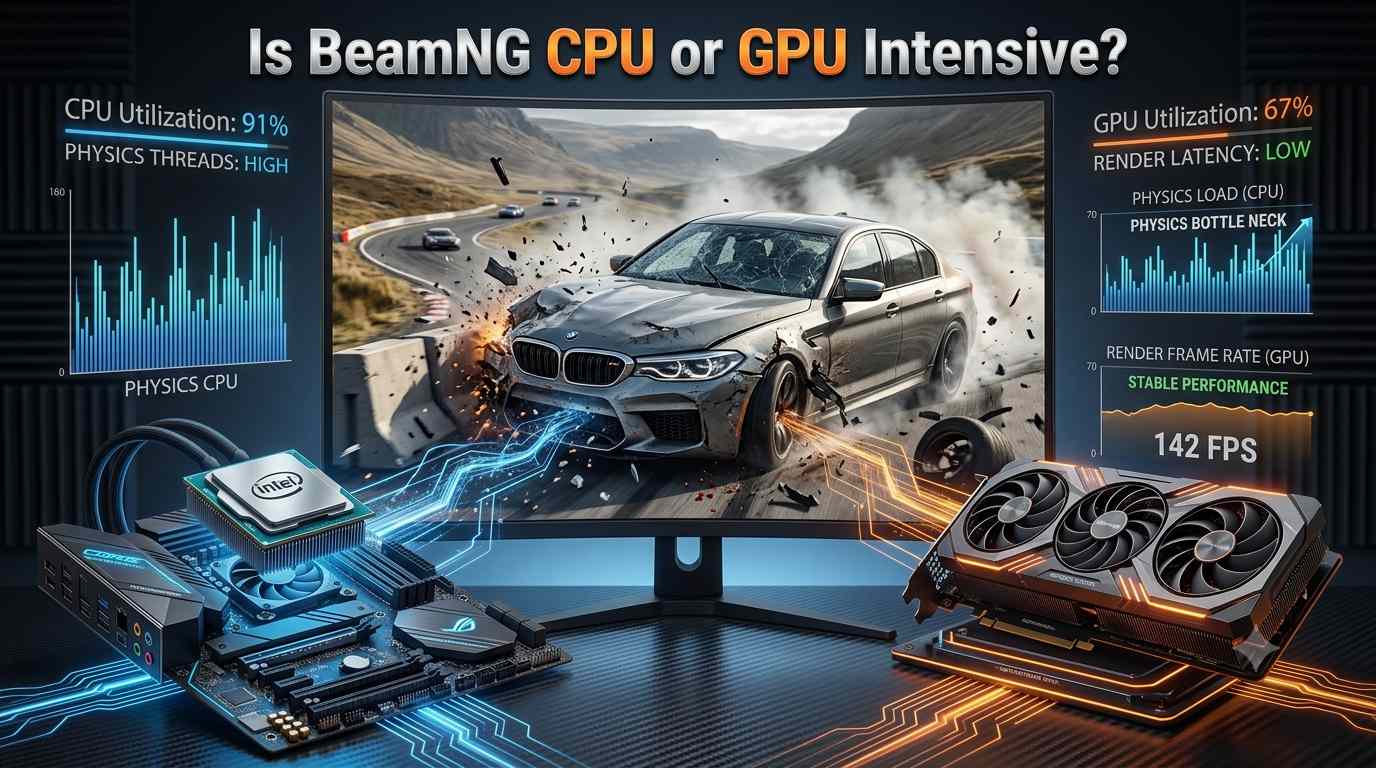
If you enjoy realistic driving games, you may have heard of BeamNG.drive. It is one of the most detailed vehicle simulation games available on PC. The game is known for realistic car physics, soft-body damage, large maps, traffic, and detailed vehicle movement. But because of all these features, many players ask an important question: Is BeamNG CPU or GPU intensive?
The short answer is that BeamNG.drive can be both CPU and GPU intensive, but the CPU is usually more important for the game’s physics and overall performance. Your GPU still matters, especially when you play at high resolutions, use high graphics settings, or add visual mods. However, the CPU has a major job because it must calculate vehicle physics, collisions, traffic, and other simulation tasks in real time.
In this guide, we will explain how BeamNG.drive uses your CPU and GPU, what hardware you need, why FPS can drop, and how you can improve performance on a Windows PC in the USA.
What Makes BeamNG.drive CPU Intensive?
BeamNG.drive is different from many normal racing games. In a typical racing game, the computer mainly needs to display cars, roads, buildings, and effects. BeamNG.drive also has to calculate how every part of a vehicle behaves.
The game uses a detailed soft-body physics system. This means the vehicle is not simply treated as one solid object. Different parts of the car can bend, break, move, and react to crashes. The game needs to calculate these changes while you are driving.
For example, if you crash your car into a wall, BeamNG.drive has to calculate the impact, movement of the vehicle, deformation of the body, and behavior of different parts. These calculations put a lot of work on the CPU.
The CPU also handles many other simulation tasks. These can include traffic vehicles, vehicle controls, physics calculations, artificial intelligence, and parts of the game world. When you have several vehicles on the map, the CPU workload can increase quickly.
This is one reason why BeamNG.drive can feel more CPU-heavy than some other driving games.
Is BeamNG.drive More CPU or GPU Intensive?
For most players, BeamNG.drive is more CPU intensive than GPU intensive when it comes to physics and simulation. However, this does not mean that the GPU is unimportant.
The CPU and GPU have different jobs. The CPU handles many of the game’s calculations, while the GPU is responsible for rendering the graphics on your screen.
If you are driving one car on a simple map at 1080p, you may find that your CPU becomes the main limitation. Your GPU may not be working at full capacity because the CPU cannot send enough work to it quickly enough.
The situation can change when you increase graphical settings. Playing at 1440p or 4K resolution, using higher texture quality, increasing lighting quality, or using other demanding graphics options can put more pressure on the GPU.
Because of this, there is no single answer for every PC. BeamNG.drive can be CPU limited in one situation and GPU limited in another.
Why the CPU Matters So Much in BeamNG.drive
The biggest reason the CPU matters is the game’s physics engine. BeamNG.drive tries to simulate vehicles in a realistic way instead of using simple animation tricks.
Every vehicle contains many physical components. When a vehicle moves, turns, jumps, or crashes, the game needs to calculate what happens to those components.
The CPU has to process these calculations quickly enough to keep the simulation running smoothly. A faster and stronger CPU can therefore make a major difference, especially when you use multiple vehicles.
This becomes even more noticeable with traffic. If you spawn several cars, your CPU has to manage the physics and behavior of those additional vehicles. A PC that runs one car smoothly may experience lower FPS when ten or more vehicles are active.
This is why players with a powerful graphics card can still experience performance problems in BeamNG.drive. A strong GPU cannot completely solve a CPU bottleneck.
How the GPU Affects BeamNG.drive
Although the CPU is extremely important, BeamNG.drive also needs a capable GPU. The GPU renders everything you see on the screen.
This includes cars, roads, buildings, trees, shadows, lighting, reflections, particles, and other visual effects. Higher graphical settings increase the amount of work required from your graphics card.
Resolution also has a large effect.
At 1080p, your GPU has fewer pixels to render. At 1440p, it has more work to do. At 4K, the number of pixels is much higher, so GPU usage can increase significantly.
For example, a mid-range graphics card may be perfectly comfortable running BeamNG.drive at 1080p with reasonable settings. The same card may struggle at 4K with high graphics settings.
This means you should choose your GPU based on your monitor resolution and desired graphics quality.
What Happens When You Have a CPU Bottleneck?
A CPU bottleneck happens when your processor cannot keep up with the work required by the game.
One common sign is that your GPU usage is relatively low while your FPS is also lower than expected. You may reduce graphics settings and see little or no improvement in FPS. This can happen because the CPU is already limiting performance.
BeamNG.drive can show this behavior when you have many vehicles on the screen.
For example, suppose your PC runs the game at a good frame rate with one vehicle. You then add several AI-controlled cars and your FPS drops significantly. If lowering your graphics settings does not bring the FPS back, the CPU may be the main limitation.
A CPU bottleneck can also cause inconsistent frame times. The game may feel less smooth even when the average FPS number looks acceptable.
What Happens When You Have a GPU Bottleneck?
A GPU bottleneck is different. It happens when your graphics card cannot render the game quickly enough.
You may notice that GPU usage stays close to 100 percent while FPS is lower than you want. In this situation, reducing graphics settings or resolution can often improve performance.
For example, if you play BeamNG.drive at 4K with high-quality shadows and other demanding visual settings, your GPU may become the main limitation.
If you reduce the resolution from 4K to 1440p and your FPS increases significantly, that is a good sign that your GPU was under heavy load.
GPU bottlenecks are not necessarily bad. In fact, using most of your GPU is normal when gaming. The problem is only when the GPU cannot provide the performance you want.
How Many Cores Does BeamNG.drive Need?
BeamNG.drive can benefit from a modern multi-core CPU. However, simply having a large number of CPU cores does not automatically guarantee excellent performance.
The game needs strong CPU performance for its physics simulation. CPU speed, architecture, and overall performance all matter.
A modern six-core or eight-core processor can be a strong choice for many BeamNG.drive players. A newer CPU with good single-core and multi-core performance can provide a better experience than an older processor with more cores but weaker performance.
If you regularly use traffic, large maps, or many vehicles, having a stronger multi-core CPU becomes even more useful.
Is 16GB RAM Enough for BeamNG.drive?
RAM is another important part of a gaming PC. For many players, 16GB of RAM is a reasonable starting point for BeamNG.drive.
However, your actual memory usage can depend on the map, number of vehicles, mods, background applications, and other factors.
If you run the game alongside a web browser, Discord, recording software, or other programs, your PC can use more memory.
Players who frequently use large maps, lots of traffic, or many mods may benefit from 32GB of RAM. More RAM does not directly increase FPS in every situation, but it can help prevent memory-related slowdowns when the system is under heavier workloads.
For a new gaming PC in the USA, 16GB can still be a practical starting point, while 32GB provides more room for demanding gaming and multitasking.
What GPU Is Good for BeamNG.drive?
The best GPU depends on your target resolution and graphics settings.
For 1080p gaming, a modern budget or mid-range GPU can provide a good experience when paired with a capable CPU. If you want 1440p gaming with higher settings, a stronger mid-range GPU is a better choice.
For 4K gaming, you should look at higher-end graphics cards because the GPU workload increases substantially.
It is important not to spend your entire budget on the GPU while using a weak CPU. BeamNG.drive is one of those games where CPU performance can have a major effect, especially if you enjoy large traffic scenarios.
A balanced PC is usually better than a system with a very powerful GPU and an outdated processor.
Does More Traffic Lower FPS?
Yes, traffic can have a major effect on BeamNG.drive performance.
Every additional vehicle adds more simulation work. The game needs to calculate the movement and physics of those vehicles, along with their interaction with the environment.
If you are driving alone, your CPU may have a relatively easy workload. When you add many AI cars, the CPU has to process much more information.
This is why your FPS can drop when you increase traffic even if your graphics settings have not changed.
For players who enjoy traffic-heavy scenarios, CPU performance should be one of the biggest considerations when building or upgrading a PC.
Do Mods Make BeamNG.drive More Demanding?
Mods can also affect performance.
Some vehicle and map mods are well optimized, while others may be more demanding. Large maps can use more memory and processing power. Detailed vehicles can also increase the workload.
Using many mods at the same time may make the game slower to load or use more system memory. If you notice performance problems after installing several mods, try disabling them one by one to find out which one is causing the issue.
Keeping your mod collection organized can help you maintain a smoother experience.
How to Improve BeamNG.drive Performance
If BeamNG.drive is running slowly, you do not always need to upgrade your entire computer.
Start by checking whether your CPU or GPU is the bottleneck. Windows performance monitoring tools or applications such as MSI Afterburner can help you see CPU and GPU usage while playing.
If the GPU is close to full usage, lowering resolution or graphics settings can help.
If the CPU is the problem, lowering graphics settings may not make a large difference. In this situation, reducing traffic and the number of vehicles can be more effective.
You can also close unnecessary background programs. Make sure your graphics drivers are updated and use a suitable power mode in Windows.
If you have an older CPU, upgrading the processor may provide a much bigger improvement than buying a faster graphics card.
Is BeamNG.drive Good for a Gaming Laptop?
BeamNG.drive can run on gaming laptops, but laptop performance depends heavily on the hardware and cooling system.
A laptop with a modern CPU and dedicated GPU can provide a good experience. However, thin laptops may have limited cooling capacity. When the CPU and GPU become hot, the system may reduce their speed to control temperatures.
For the best laptop experience, make sure the laptop has adequate cooling and enough RAM. Plugging the laptop into power while gaming is also important because many laptops reduce performance when running on battery.
What Is More Important for BeamNG.drive?
If you are building a PC mainly for BeamNG.drive, the CPU deserves special attention. A strong modern processor can handle the game’s physics and traffic more effectively.
The GPU is still important for visual quality and resolution. If you want high settings at 1440p or 4K, you will need a stronger graphics card.
The best approach is to build a balanced system. Do not choose an extremely powerful GPU with a very weak CPU if BeamNG.drive is your main game.
For a typical 1080p player, a good modern CPU paired with a capable mid-range GPU can be a very effective combination. For 1440p and 4K, increase GPU power while still keeping a strong CPU.
Final Answer: Is BeamNG CPU or GPU Intensive?
So, is BeamNG CPU or GPU intensive? The answer is both, but BeamNG.drive is often especially CPU intensive because of its detailed physics simulation.
The CPU handles important tasks such as vehicle physics, collisions, traffic, and simulation. The GPU handles the game’s visual presentation, including resolution, lighting, textures, shadows, and other graphics.
If you play with one vehicle on a simple map, your CPU may be the main limitation. If you use many vehicles and traffic, the CPU becomes even more important. On the other hand, playing at 1440p or 4K with high graphics settings can shift more of the workload toward the GPU.
For players in the USA looking to upgrade their gaming PC, the smartest choice is to balance both components. A modern, powerful CPU combined with a capable GPU will give you the best overall BeamNG.drive experience.
If you mainly enjoy realistic crashes, large traffic scenarios, and complex maps, prioritize CPU performance. If you care more about high resolution and maximum graphics quality, make sure your GPU is strong enough for your monitor.
In simple terms, BeamNG.drive is a CPU-heavy game with significant GPU requirements. A balanced PC with a strong modern processor, capable graphics card, and enough RAM is the best way to enjoy the game smoothly.